Buy or enrol in a course
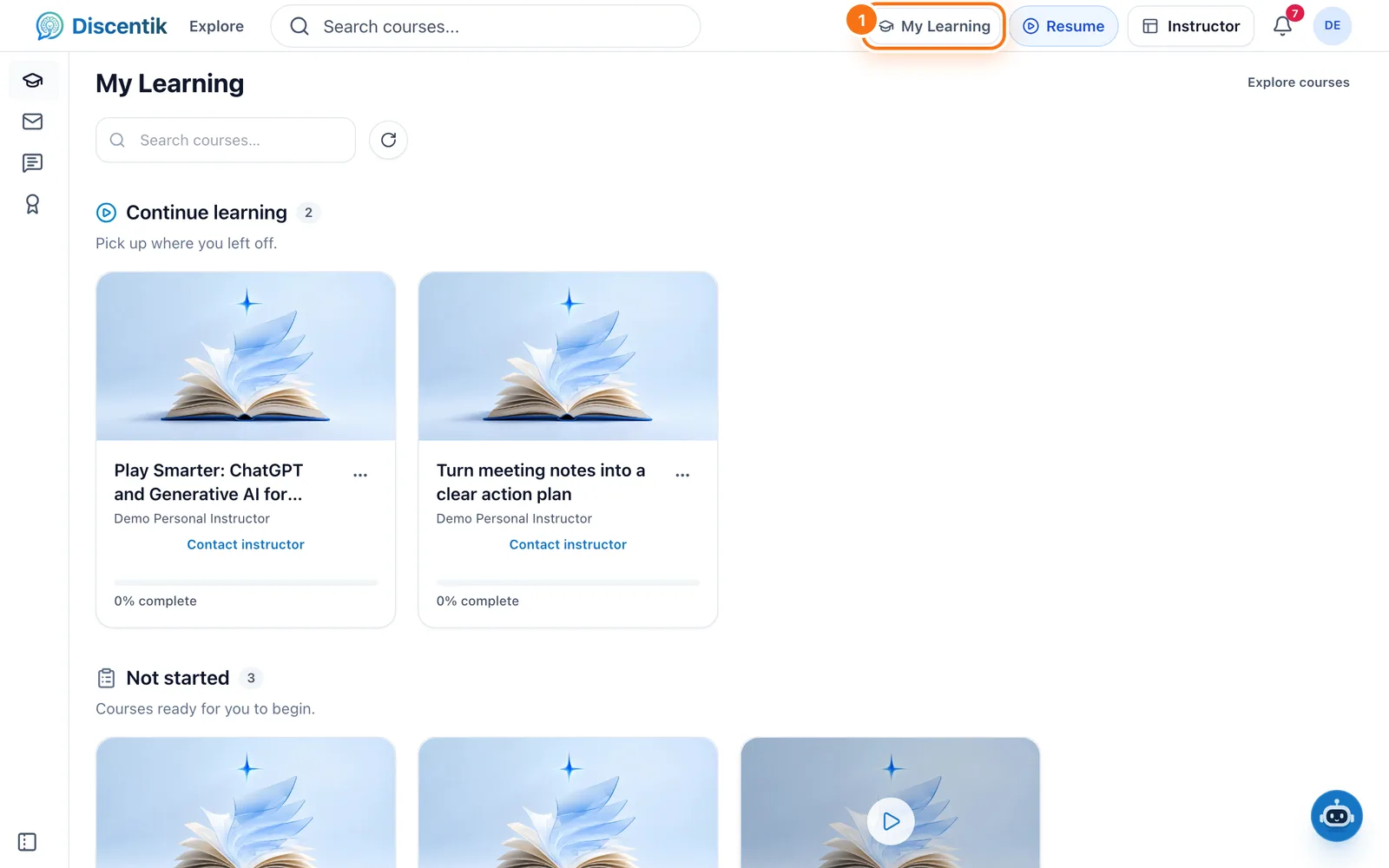
Find a course, then enrol for free or buy it in a few steps. It appears in My Learning straight away.
Updated 14 October 2026
You can browse every course without an account. To start learning, you need a free
Discentik account.
1. Find a course
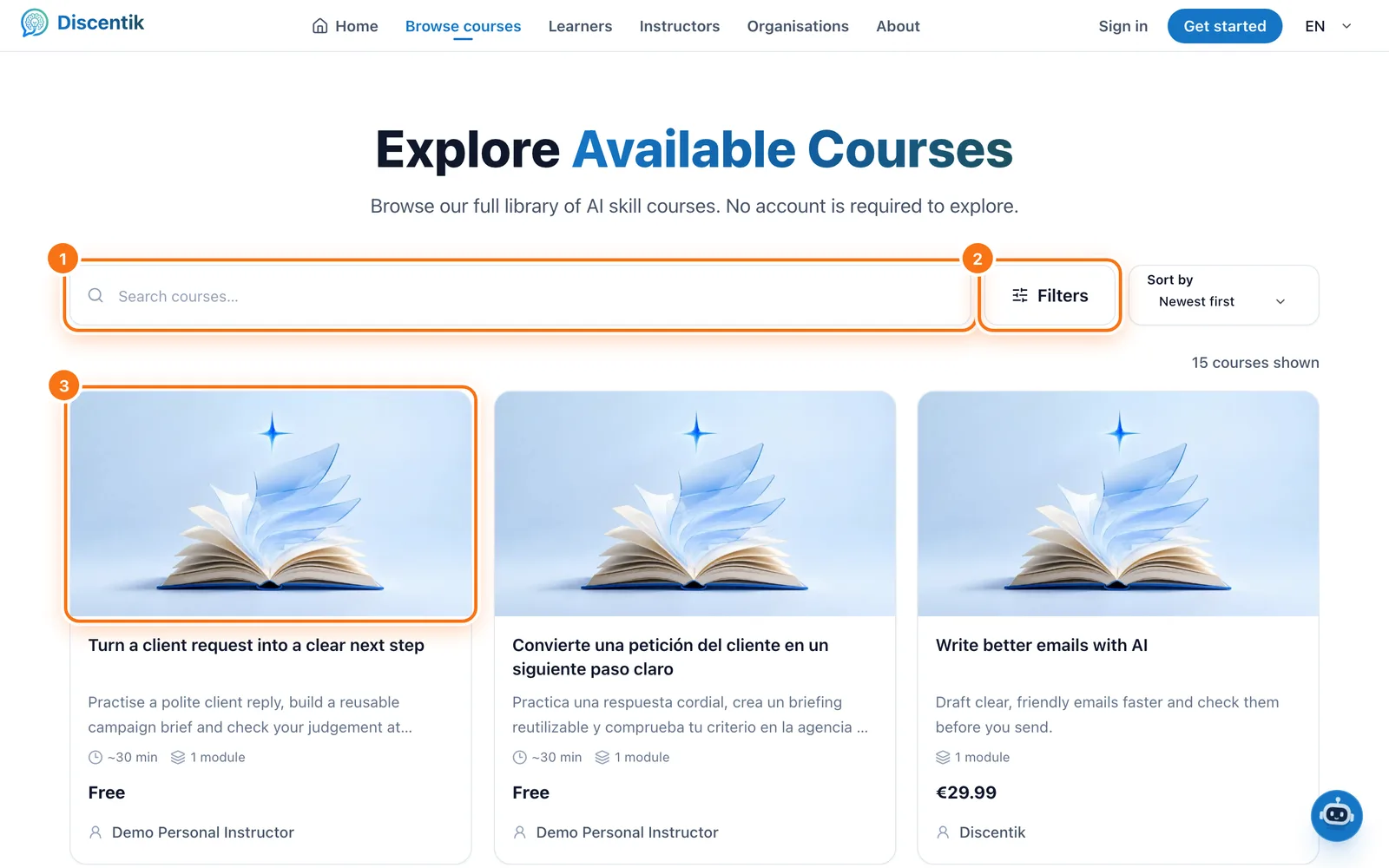
Select Explore in the top bar.
Search by keyword or select Filters to narrow the list by topic.
Select a course card to open its page.
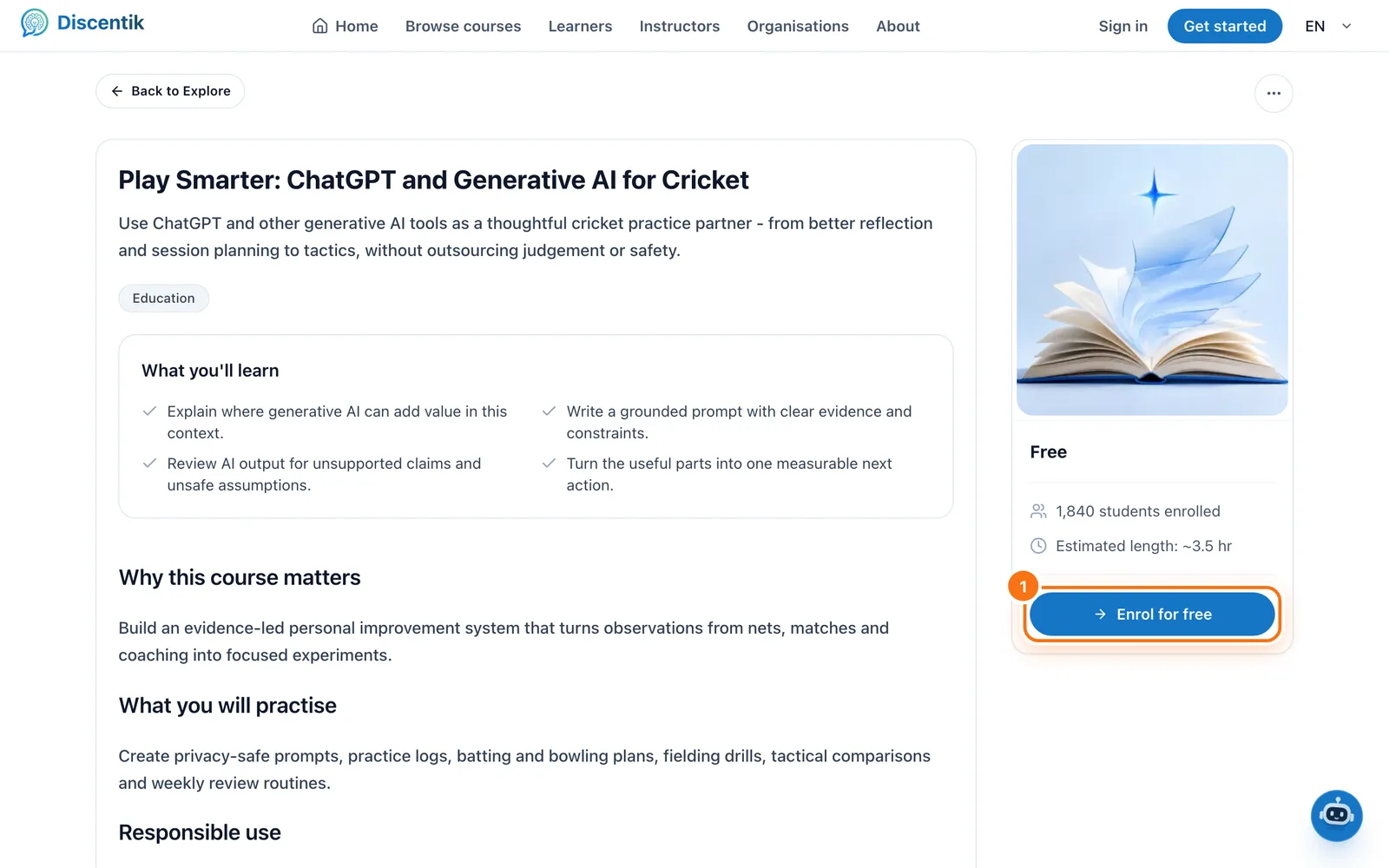
The course page shows what you'll learn, the modules, the instructor, reviews and the
price.
2a. Enrol in a free course
On a free course, select Enrol for free. The course is added to My Learning
and you can start straight away.
2b. Buy a paid course
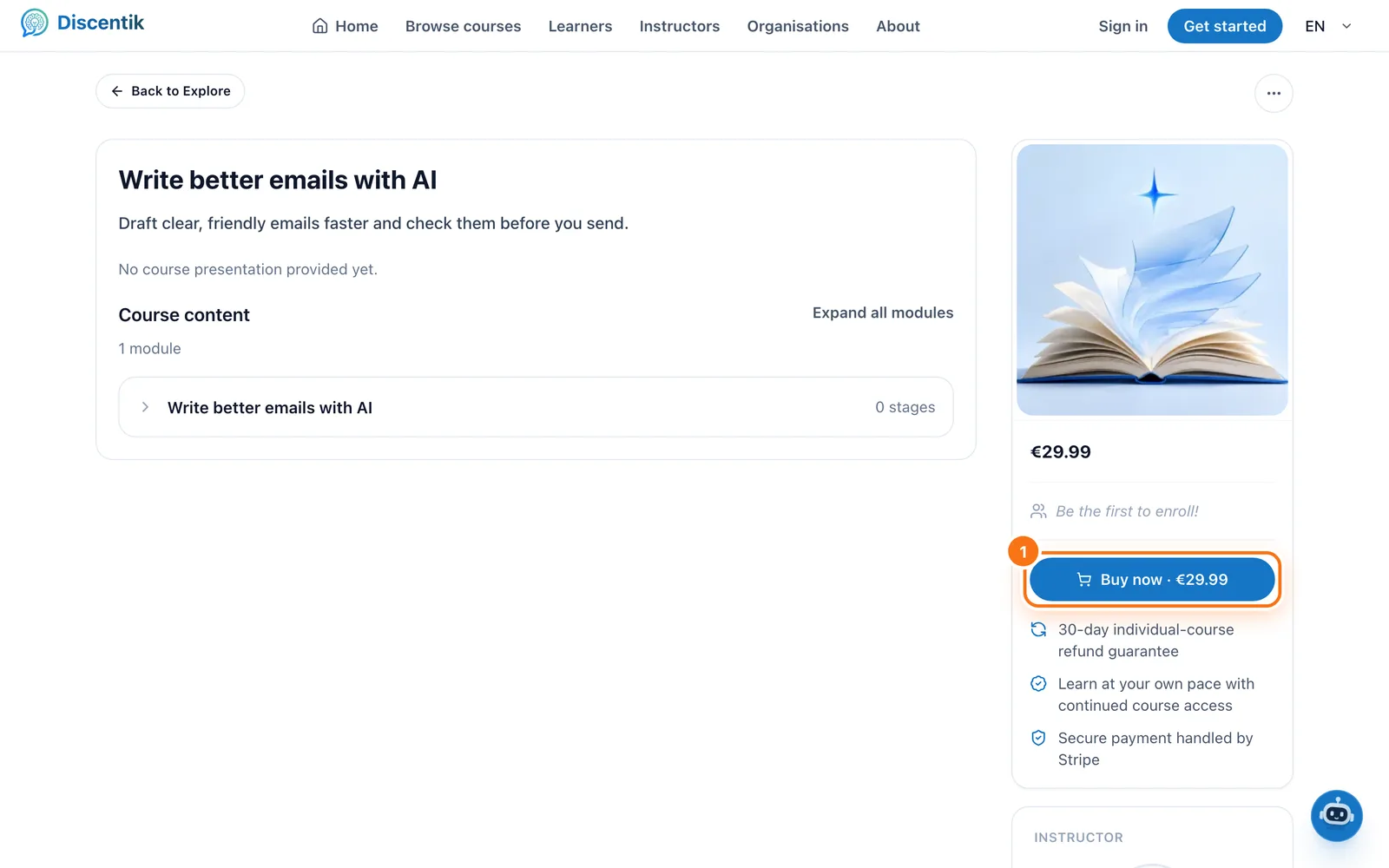
Select Buy now on the course page.
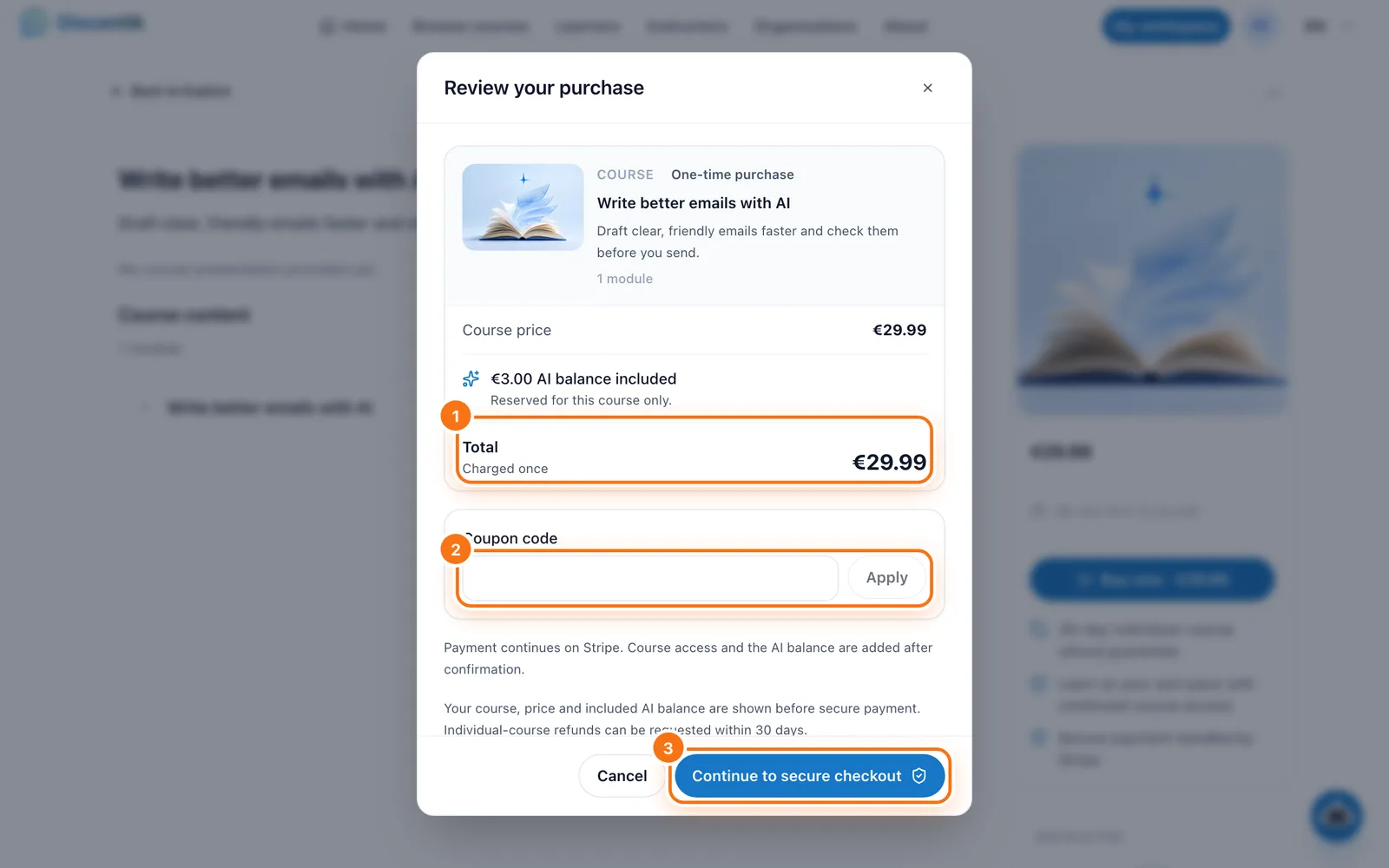
Check Review your purchase. It shows the course, the price you'll pay and any
AI balance included with the course.Have a discount code? Type it in Coupon code and select Apply.
Select Continue to secure checkout.
Enter your payment details on Stripe's secure page and pay.
When the payment goes through, you'll see a confirmation page. Select Open course
to start, or find the course later in My Learning. We also email you a receipt.
If you're not signed in when you select Buy now, we ask you to sign in or create
an account first, then bring you back to the same purchase. You're never charged for
creating an account.
Good to know
Paying: payments are handled by Stripe. Discentik never sees your card number.
Who can buy: you need to be 16 or over and live in Ireland, Spain, the United
States or Australia. If you're 16 or 17, a parent or guardian needs to approve the
purchase first.Discounts: if a course is on sale, the original price is crossed out. Only one
discount applies, and you always get the lower price.Refunds: you can ask for a refund within 30 days of buying a course. See
Course purchases, access and refunds.Receipts: open Profile → Purchase history to download a PDF receipt at any time.
Something went wrong?
The confirmation page says it's still checking your payment. Wait a few seconds
and select Check again. Don't pay a second time.Checkout says it isn't available. No payment was taken. Check that your country
and age meet the requirements above, or contact support.The course isn't in My Learning. Open Profile → Purchase history and select
Refresh. If it still isn't there, contact support with your order
reference. Never send your card details.
Did this page help you?
Your response helps us improve this guide.